
Stopping a Jupyter Notebook
When you are done using your Jupyter Notebook, you can stop the Jupyter Notebook by stopping the workflow through Fuzzball web UI or CLI.
Please select either the web UI or CLI tab to see the appropriate instructions for your
environment.
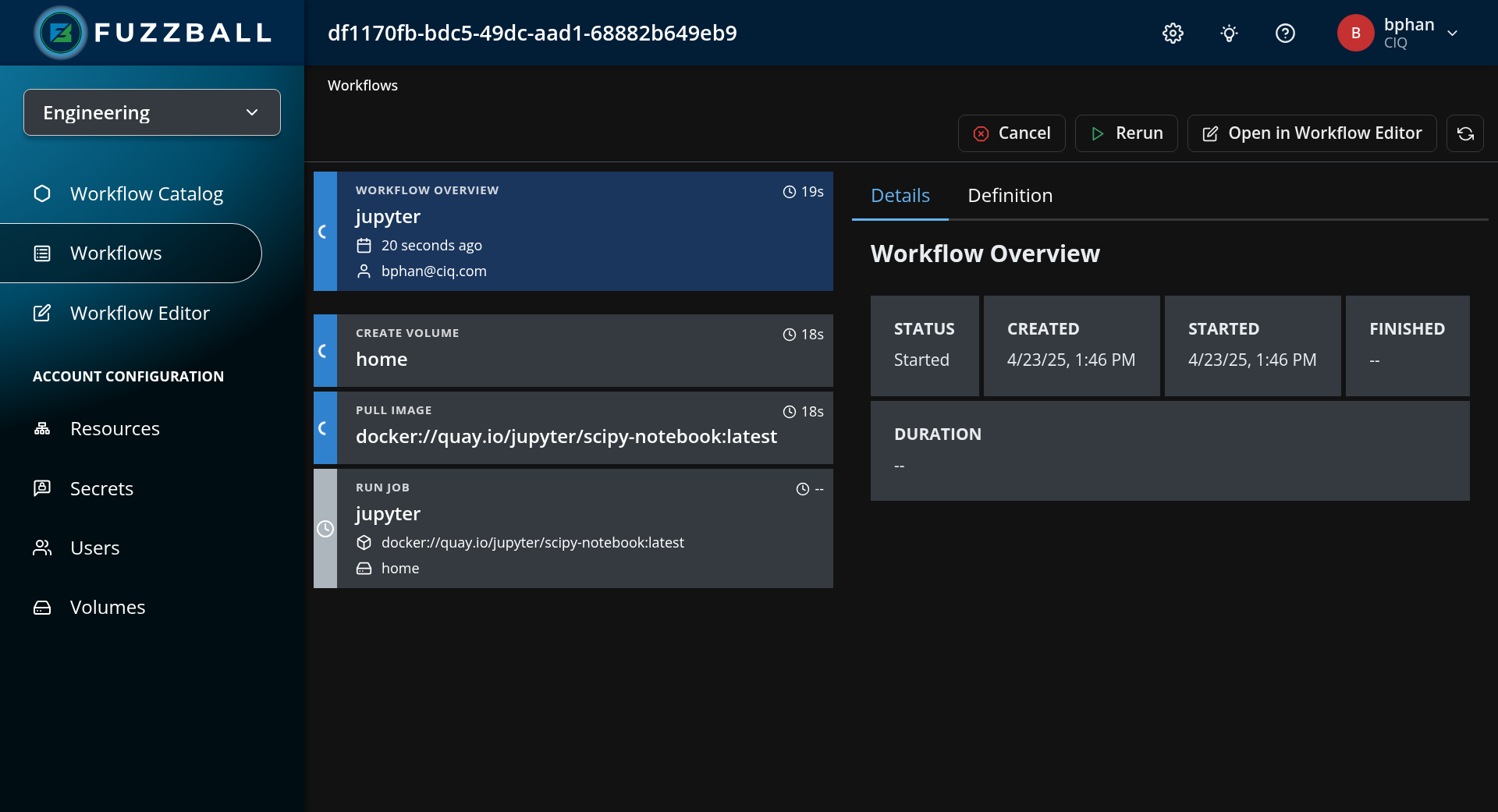
Navigate to your workflow’s status page and click CANCEL in the top right to stop your workflow.
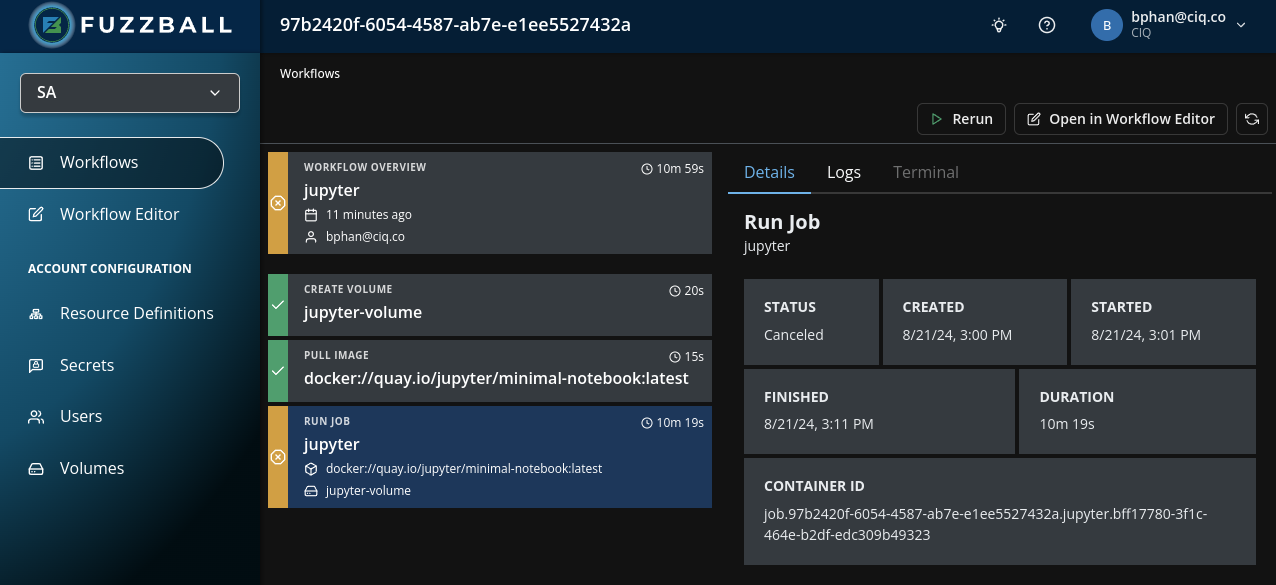
After canceling, the workflow’s STATUS reads Canceled, the stage that was running is marked
cancelled by user, and the CANCEL button is replaced by RERUN, as shown in the screenshot
below.
To stop the workflow using the Fuzzball CLI, you can use the Fuzzball workflow stop subcommand. The
required argument for this subcommand is the workflow UUID. Below is an example command which stops
workflow UUID aa3b04f0-f245-4032-a7b1-5cef0acfaf6c.
$ fuzzball workflow stop aa3b04f0-f245-4032-a7b1-5cef0acfaf6c
Workflow stopped with name aa3b04f0-f245-4032-a7b1-5cef0acfaf6c