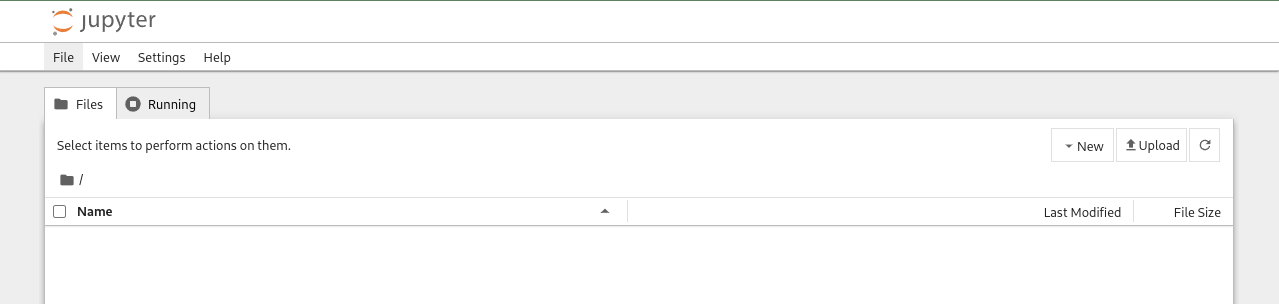
Accessing the Jupyter Server UI
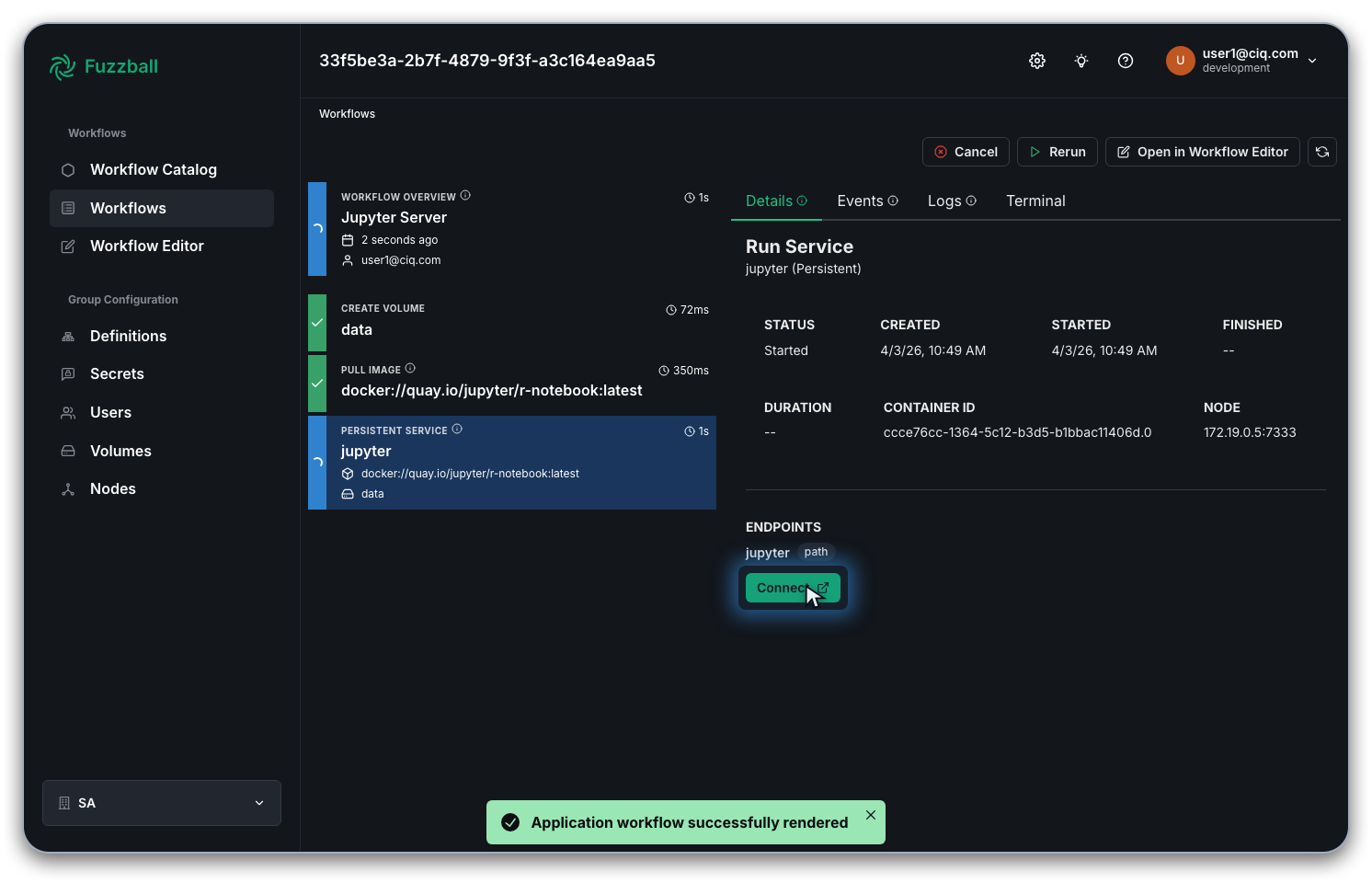
To access the Jupyter Server, select the jupyter service in the workflow you started earlier and
click the CONNECT button that appears below the workflow summary.
Once the workflow starts, the CONNECT button appears disabled and becomes active when the Jupyter service starts, so there is no need to reload the page while you wait. If the Jupyter UI does not load on your first click, wait a few seconds and try again; the server may still be starting up inside the container. See Connecting to Workflow Services for the full set of conditions.
Clicking CONNECT opens the Jupyter Server in a new browser tab.