
Removing Users from Organizations
An organization owner can remove members and other owners of the organization using the web UI or the CLI.
Before removing users via the web UI, ensure you have:
- Organization owner permissions
Log into your Fuzzball UI as an organization owner
Click the account switcher in the upper left of the sidebar and select Manage Organization

Navigate to the Users section in the left toolbar
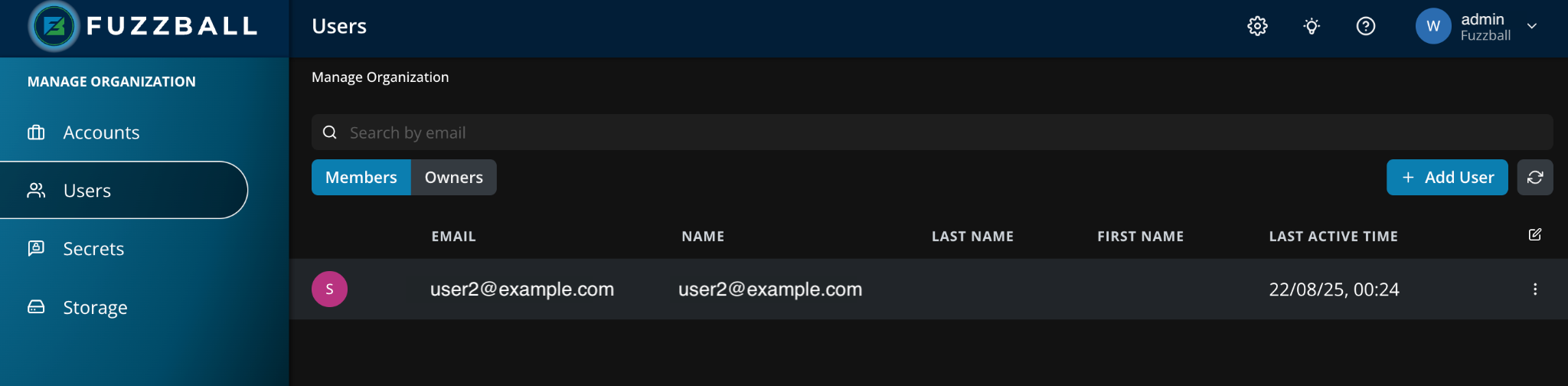
Select Remove from the kebab menu of the user you wish to remove from the Users table. In our case,
user2@ciq.comhas the Member role: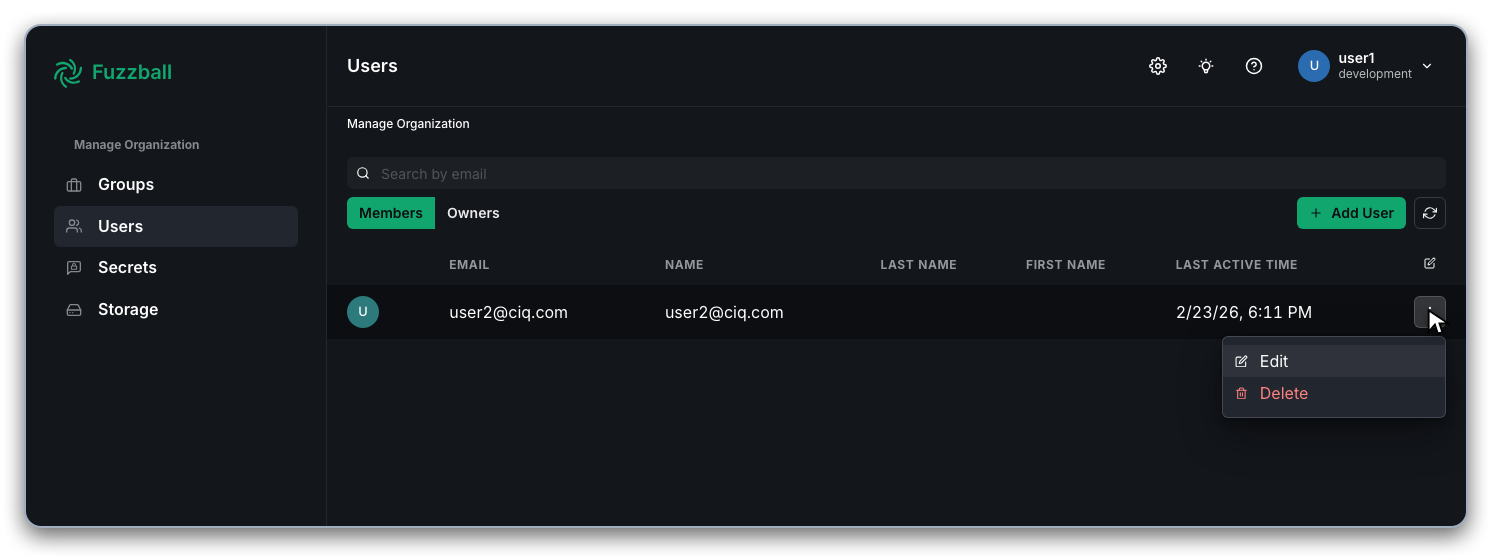
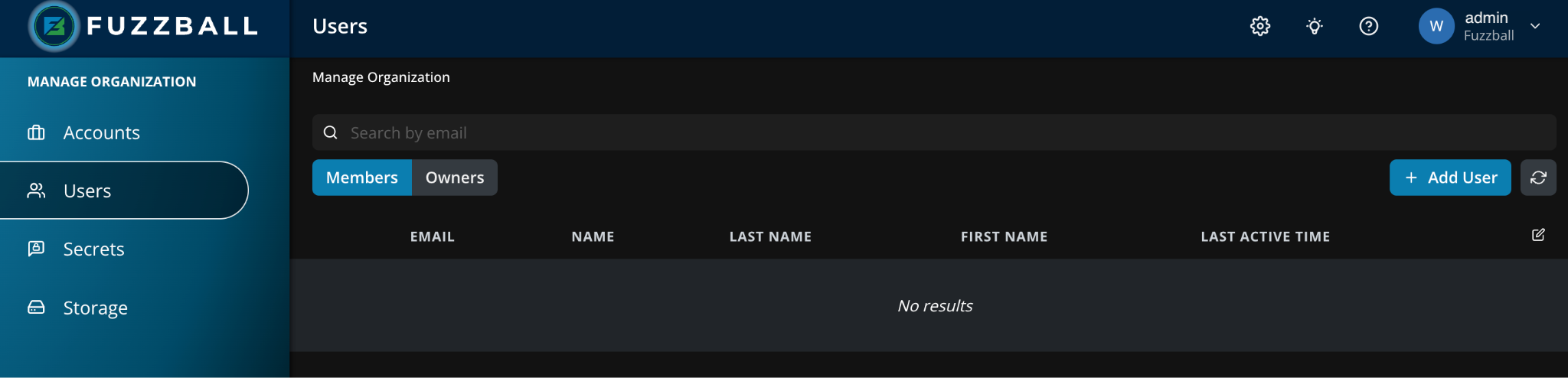
After confirming, the user will be removed from the list of Members
- Fuzzball CLI installed
- Active CLI context for a Fuzzball user configured as an owner for the Fuzzball organization to be managed.
Members and owners of an organization are removed with organization member remove. The user
can be referenced by email or UUID. For example, to remove the user2@ciq.com member added in
the user management section you can either
remove them by email directly or look up their UUID first:
$ fuzzball organization member list
ID                                   | EMAIL
41a6f21f-19ec-471d-ae9e-edffc50c58f6   user2@ciq.com
eb9bf66e-5914-4e61-b5f9-ff1d1ca3bf05   user4@ciq.com
The user can then be removed. Successful removal is indicated by the return of an empty JSON object.
$ fuzzball organization member remove 41a6f21f-19ec-471d-ae9e-edffc50c58f6
{}
Rerunning fuzzball organization member list confirms user2@ciq.com has been removed as an
organization member.
$ fuzzball organization member list
ID                                   | EMAIL
eb9bf66e-5914-4e61-b5f9-ff1d1ca3bf05   user4@ciq.com
The same organization member remove command also removes organization owners — the server clears
both relationships in one call. To demote an owner to a regular member without removing them, use
organization member update <user> --owner=false.